
Coding for Beginners: A Complete Guide to Learning Programming
Learn what coding is, how programming works, which languages to choose, and how to build your first real projects.
Coding has become one of the most valuable digital skills in the modern world. Websites, mobile applications, games, business software, artificial intelligence systems, financial platforms, and countless other technologies depend on code. The good news is that you do not need to be a mathematical genius or a computer expert to start learning. With the right approach, consistent practice, and useful projects, almost anyone can learn the fundamentals of programming.
This guide explains coding from the ground up. Whether you are a complete beginner, a student considering a career in technology, or someone who simply wants to understand how software works, this article will help you understand the fundamentals and create a practical learning path.

What Is Coding?
Coding is the process of writing instructions that a computer can understand and execute. These instructions are written using programming languages such as Python, JavaScript, Java, C++, C#, PHP, and many others.
Computers are extremely powerful at following instructions, but they do not naturally understand ordinary human language in the same way people do. Programming languages provide a structured way for humans to communicate instructions to machines.
For example, a programmer might write a simple instruction telling a computer to display a message:
print("Hello, world!")Although this example is extremely simple, it demonstrates the basic idea behind programming: the developer provides instructions, and the computer processes those instructions to produce an outcome.
Why Is Coding Important?
Software has become an essential part of everyday life. When you use a search engine, order something online, send a message, play a game, use a banking application, or watch a video, software is working behind the scenes.
Websites
HTML, CSS, JavaScript, PHP, and other technologies are used to create websites and web applications.
Mobile Apps
Programming languages and frameworks allow developers to build applications for Android and iOS devices.
Artificial Intelligence
Programming is fundamental to machine learning, artificial intelligence, data processing, and automation.
How Does Programming Work?
At a basic level, programming involves giving a computer a sequence of logical instructions. The computer processes those instructions and produces a result.
A typical program may receive information, process it, make decisions, and produce an output.
For example, imagine a program that calculates the total price of products. It might receive the prices, add them together, calculate a discount, and display the final amount.
“`price = 100
discount = 10
final_price = price - discount
print(final_price)This small example introduces several important programming concepts: variables, calculations, and output.
Programming Languages Explained
There are hundreds of programming languages, but beginners do not need to learn all of them. Different languages are designed for different purposes, and several popular languages cover most common development needs.
| Language | Common Uses | Beginner Friendly |
|---|---|---|
| Python | AI, automation, data science, backend development | Yes |
| JavaScript | Websites, web applications, servers | Yes |
| HTML | Web page structure | Very easy |
| CSS | Web page styling and design | Very easy |
| Java | Enterprise software, Android and backend systems | Moderate |
| C++ | Games, systems, performance-intensive applications | Moderate |
| PHP | Web development and server-side applications | Yes |
Which Programming Language Should You Learn First?
The best programming language depends on what you want to create. Instead of choosing a language because it is popular, choose one that matches your goal.
Python
Python is one of the most popular choices for beginners because its syntax is relatively easy to read. It is widely used for automation, data analysis, artificial intelligence, machine learning, backend development, and scripting.
“`name = "Alex"
print("Hello " + name)JavaScript
JavaScript is particularly important for web development. It can make websites interactive and is also used to build complex applications on both the frontend and backend.
“`let message = "Welcome to my website";
console.log(message);HTML and CSS
Technically, HTML is a markup language rather than a programming language, while CSS is a styling language. Nevertheless, they are essential technologies for anyone interested in creating websites.
HTML defines the structure of a page, while CSS controls how that structure looks.
“`<h1>My Website</h1>
<p>Welcome to my website.</p>What Are Variables?
Variables are containers used to store information. A variable might contain a name, number, price, score, date, or other piece of data.
“`name = "John"
age = 20
country = "Pakistan"Variables make programs flexible because information can be stored and reused throughout the program.
Understanding Conditions
Programs often need to make decisions. Conditional statements allow software to perform different actions depending on whether a condition is true or false.
“`age = 20
if age >= 18:
print("You are an adult.")
else:
print("You are under 18.")Conditions are used everywhere in software. An online store might check whether an item is available, a banking application might verify a transaction, and a game might determine whether a player has enough points to unlock something.
What Are Loops?
A loop allows a program to repeat an operation. Instead of writing the same instruction dozens or thousands of times, a programmer can use a loop.
“`for number in range(5):
print(number)This concept becomes extremely useful when working with lists, databases, files, users, and large amounts of information.
What Are Functions?
A function is a reusable block of code designed to perform a specific task. Functions help developers organize their programs and avoid unnecessary repetition.
“`def greet(name):
print("Hello, " + name)
greet("Sarah")
greet("David")As programs become larger, functions become increasingly important because they make code easier to understand, test, maintain, and reuse.
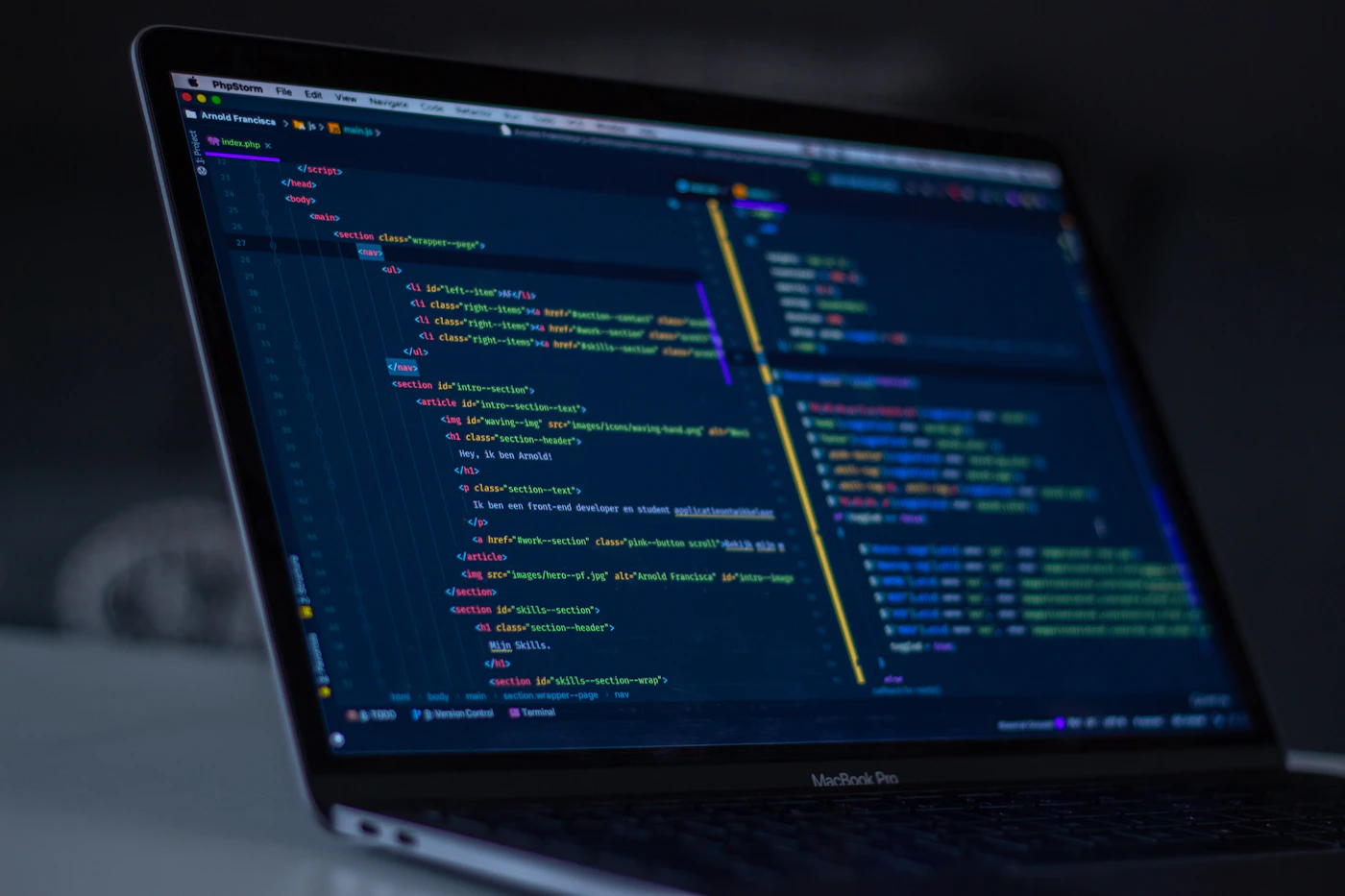
Frontend vs Backend Development
Web development is commonly divided into frontend and backend development.
Frontend Development
Frontend development focuses on everything users see and interact with inside a website or web application. HTML, CSS, and JavaScript are the fundamental technologies of the web frontend.
Backend Development
Backend development handles server-side operations. It can include databases, authentication, APIs, business logic, payments, and data processing.
Languages such as Python, PHP, JavaScript, Java, Ruby, Go, and C# can be used for backend development.
What Is a Database?
A database is used to store and organize information. Websites and applications often need to save user accounts, products, orders, messages, settings, and other information.
Popular database technologies include MySQL, PostgreSQL, SQLite, MongoDB, and Microsoft SQL Server.
What Is an API?
An API, or Application Programming Interface, allows different software systems to communicate with one another.
For example, a weather application might communicate with a weather service through an API to request current weather information. A website might use an API to process payments or retrieve information from another platform.
What Is Git and Why Do Developers Use It?
Git is a version control system that allows developers to track changes to their code. It is especially useful when working on large projects or collaborating with other developers.
A developer can create a version of a project, make changes, and then save those changes as a commit. If something goes wrong, previous versions can be reviewed or restored.
Common Coding Mistakes Beginners Make
- Trying to learn too many languages: Focus on one language until you understand its fundamentals.
- Watching tutorials without practicing: Reading code is not the same as writing it.
- Copying code without understanding it: Use examples as learning tools rather than blindly copying them.
- Giving up after errors: Errors are a normal part of programming.
- Building projects that are too complicated: Start with small projects and increase the difficulty gradually.
- Ignoring fundamentals: Variables, conditions, loops, functions, data structures, and logic form the foundation of programming.
How to Start Learning Coding
If you are completely new to programming, you do not need an expensive setup. A computer, an internet connection, a code editor, and a willingness to practice are enough to begin.
Step 1: Choose One Goal
Decide what you want to build. You might want to create websites, mobile applications, games, automation scripts, AI tools, or business software.
Step 2: Choose a Suitable Language
For general programming and automation, Python is a strong starting point. For websites, begin with HTML and CSS and then move into JavaScript.
Step 3: Learn the Fundamentals
Focus on variables, data types, operators, conditions, loops, functions, lists, objects, error handling, and basic problem-solving.
Step 4: Build Small Projects
Projects turn theoretical knowledge into practical ability. Your first project does not need to be impressive. The goal is to solve a real problem using the concepts you have learned.
Step 5: Learn From Errors
Errors are one of the most useful teachers in programming. When something breaks, read the error message carefully, identify the relevant line, and investigate why the problem occurred.
Beginner Coding Projects
Here are some practical projects that can help a new programmer develop skills:
1. Calculator
Build a calculator capable of performing basic mathematical operations.
2. To-Do List
Create an application where users can add, remove, and complete tasks.
3. Personal Website
Build a responsive website containing your introduction, skills, projects, and contact information.
4. Quiz App
Create questions with multiple choices and calculate the user’s score.
5. Weather App
Use an API to retrieve weather information and display it in a clean interface.
6. Expense Tracker
Create a simple application for recording expenses and calculating totals.
How Long Does It Take to Learn Coding?
There is no single amount of time required to learn coding. The answer depends on the language, your previous experience, how often you practice, and what level you want to reach.
Someone practicing for 30 to 60 minutes every day can gradually build a strong foundation. More importantly, consistency matters more than trying to learn everything in a few days.
Becoming comfortable with programming is a gradual process. You will move from understanding basic syntax to solving small problems, building projects, reading other people’s code, debugging applications, and eventually designing larger systems.
Coding and Artificial Intelligence
Artificial intelligence has changed how developers work. AI-powered tools can help programmers understand documentation, generate code examples, identify potential bugs, explain unfamiliar code, and explore possible solutions.
However, understanding programming fundamentals remains extremely valuable. Developers need to evaluate generated code, identify incorrect assumptions, protect applications from security problems, and understand how their software actually works.
Careers You Can Pursue With Coding Skills
Coding can lead to many different technology careers. You do not necessarily have to become a traditional software developer.
- Web Developer
- Software Developer
- Mobile Application Developer
- Game Developer
- Backend Developer
- Frontend Developer
- Full-Stack Developer
- Data Analyst
- Machine Learning Engineer
- DevOps Engineer
- Cybersecurity Professional
- Automation Developer
Tips for Becoming a Better Programmer
- Practice consistently instead of studying only occasionally.
- Write code yourself instead of relying completely on copy-and-paste.
- Build projects that solve actual problems.
- Read code written by experienced developers.
- Learn how to debug rather than immediately searching for a replacement solution.
- Keep your projects organized.
- Learn Git and basic version control.
- Understand security fundamentals.
- Learn how to read official documentation.
- Keep improving one skill at a time.
Frequently Asked Questions About Coding
Is coding difficult for beginners?
Coding can feel difficult at first because it requires logical thinking and attention to detail. However, beginners can make steady progress by learning one concept at a time and practicing regularly.
Which coding language is easiest to learn?
Python is widely considered beginner-friendly because its syntax is relatively readable. HTML and CSS are also accessible starting points for people interested in web development.
Can I learn coding without a computer science degree?
Yes. Many programming skills can be learned through structured study, practice, projects, documentation, and real-world experience. A degree can be valuable for certain career paths, but it is not the only way to learn programming.
Should I learn Python or JavaScript first?
Choose based on your goal. Python is a strong general-purpose choice, while JavaScript is particularly useful if your primary goal is building websites and web applications.
How much coding should I practice every day?
Even 30 minutes of focused practice can be useful. A consistent daily routine is generally more effective than studying for many hours only once in a while.
Final Thoughts
Coding is much more than typing commands into a computer. It is a way of breaking complex problems into smaller, logical steps and creating systems that can perform useful tasks.
The most important step for a beginner is simply to start. Choose a programming direction, learn the fundamentals, practice regularly, and build small projects. You will make mistakes, encounter confusing errors, and sometimes feel stuck. That is a normal part of becoming a programmer.
Over time, the concepts that initially seem complicated begin to make sense. Eventually, you can move from following tutorials to creating your own applications and solving problems independently.
Start Building Today
You do not need to know everything before writing your first program. Pick one language, create a small project, and learn through practice. Every experienced developer started with a first line of code.